 Tasodrums
How do you record drums?
At this point I'm assuming you've already bought the gear you need, but if you haven't, you can go back to part 1 of the recording posts. I've also added links in this post to Thomann, a German online music store, where you can check out examples of the gear. Similar products are sometimes sold in Finnish brick-and-mortar stores and online shops too, so remember to check what they have as well.
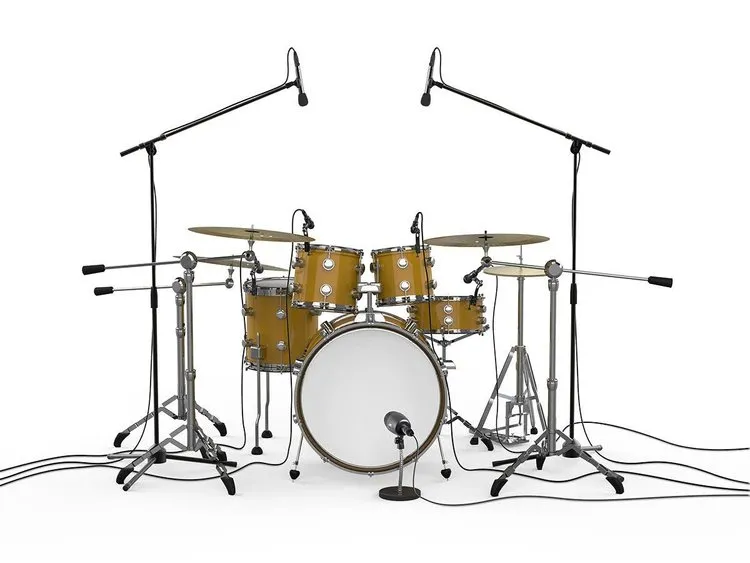
1. Mics, mic stands and cables
Like I mentioned in part 1, the number of mics depends on your needs and your budget. You can get started by buying one or two overhead mics, which record the whole kit as one, plus a mic for the bass drum.
When there's room in the budget again, you can buy a mic for the snare next. After that you can buy mics for the toms, a separate one for the hi-hat for example, and room mics.
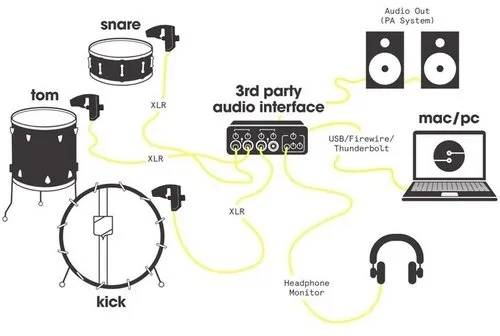
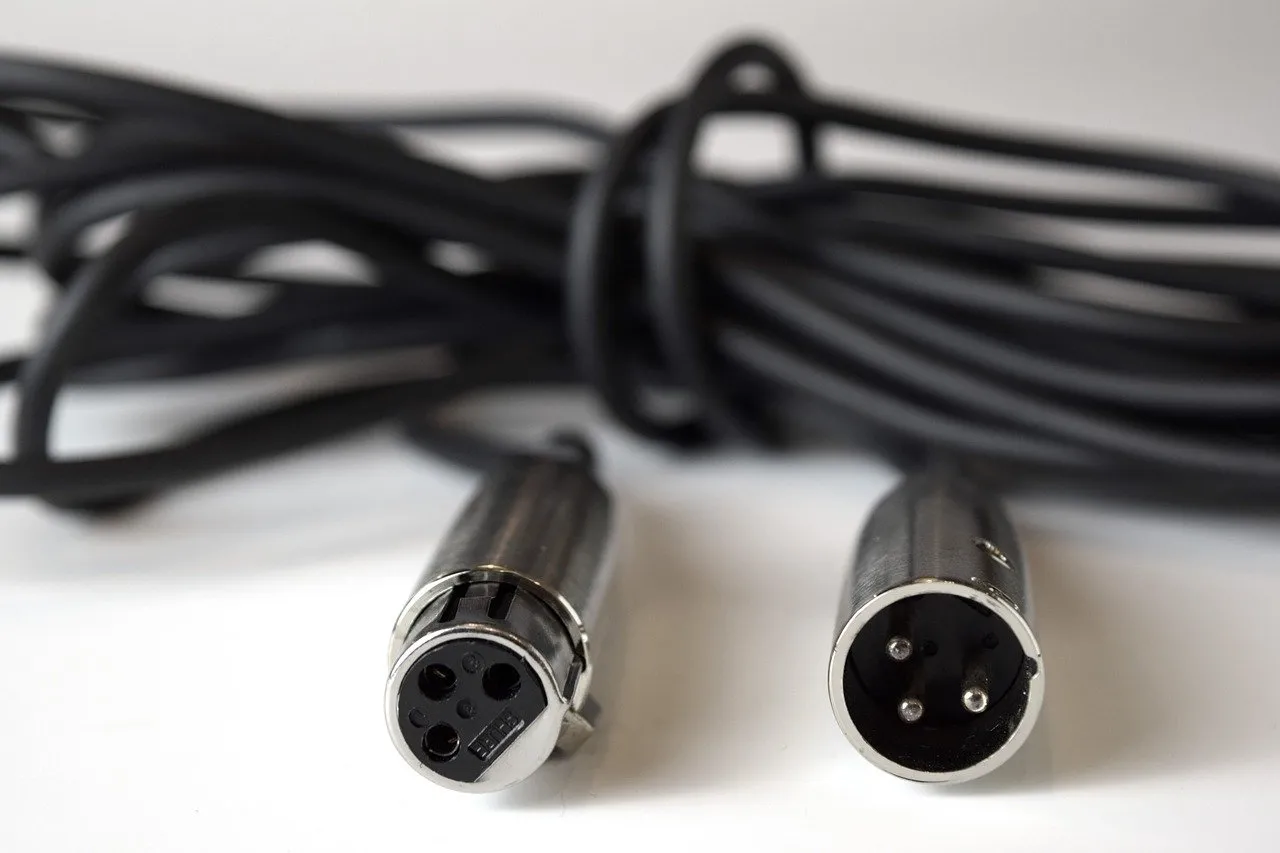
The sound from the mics gets to the mixer through XLR cables (pictured).
You'll find more about mics in this post.
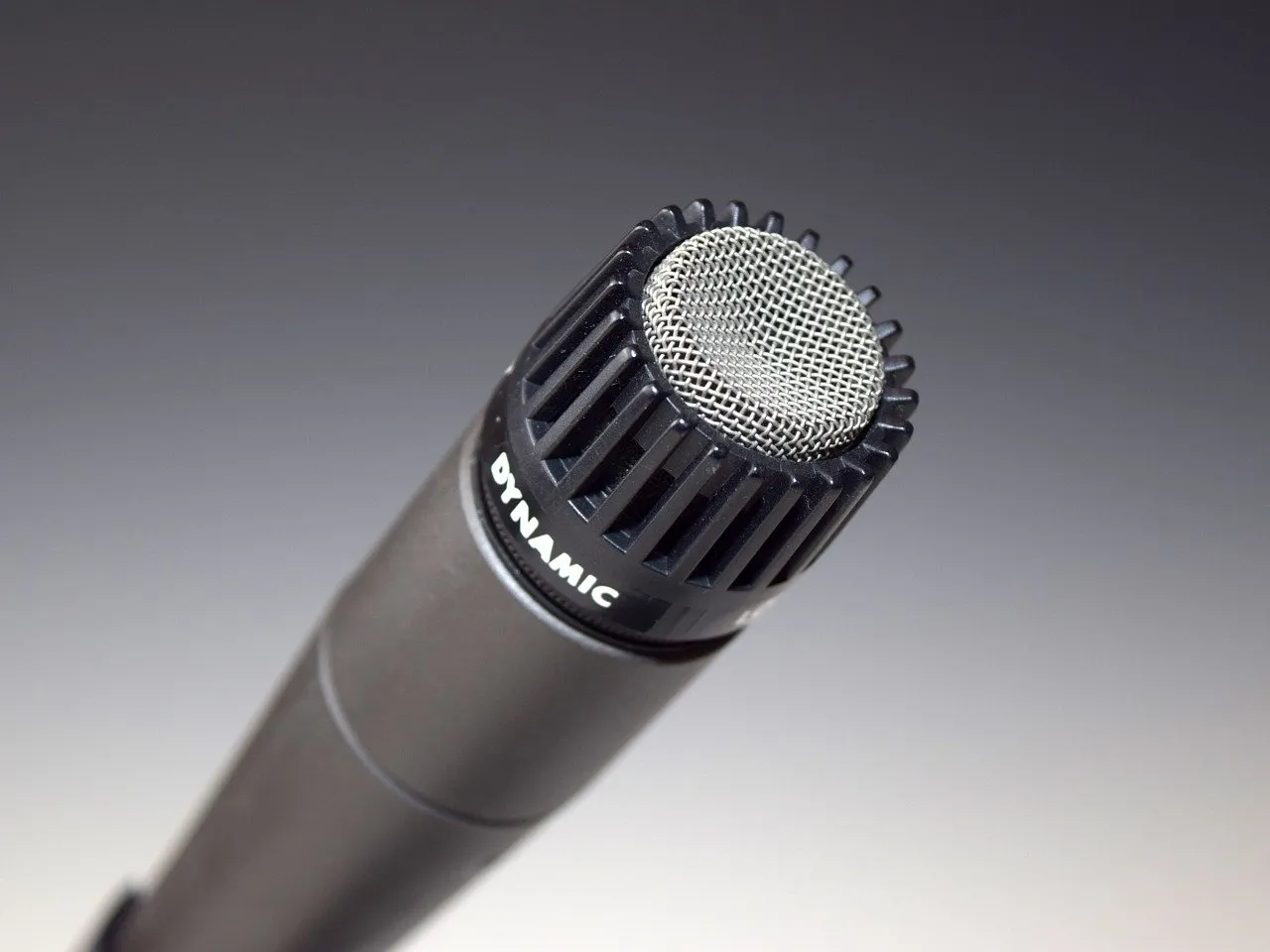
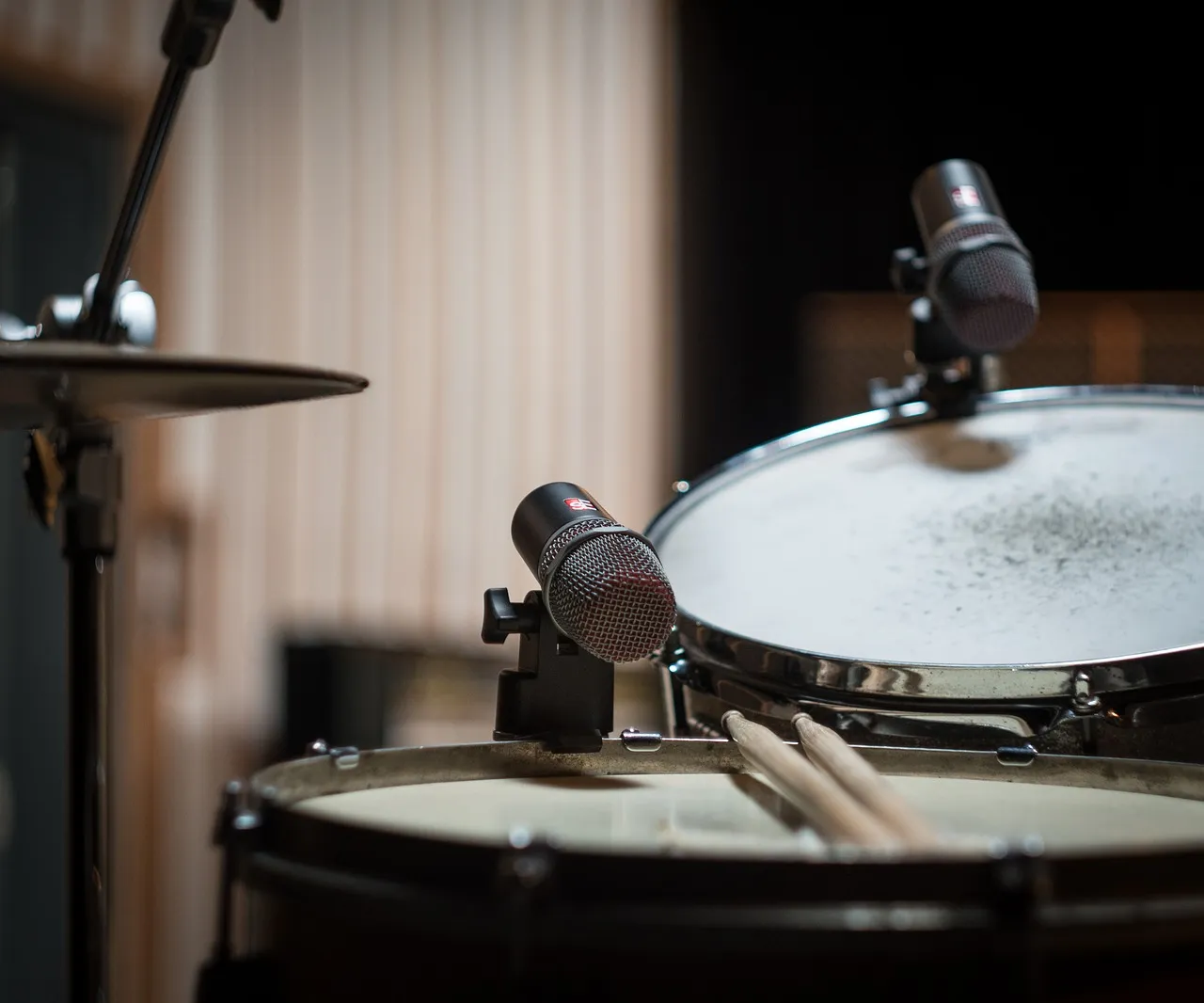
You also need mic stands or clamps that attach to the drum's hoop. You'll find examples of these in the post linked above, "Recording part 1".
2. Mixer
Once your mics are set up, you'll want to connect them to a mixer, which in turn connects to a computer, for example through a USB port, for recording and mixing.
The most important thing when choosing a mixer is the number of inputs. You don't want to buy six mics and a mixer that only has inputs for two mics. Let's assume that even if you start with just two mics, you'll buy more later.
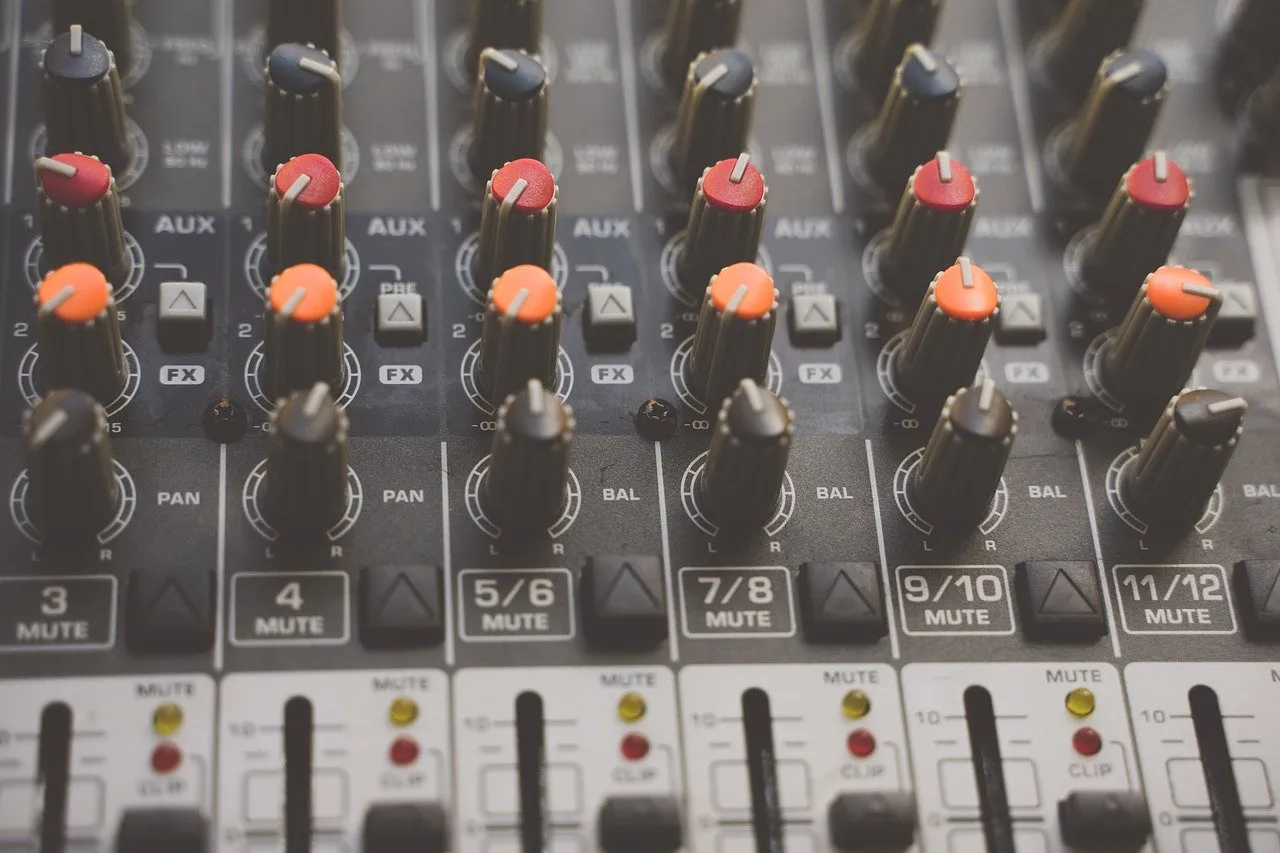
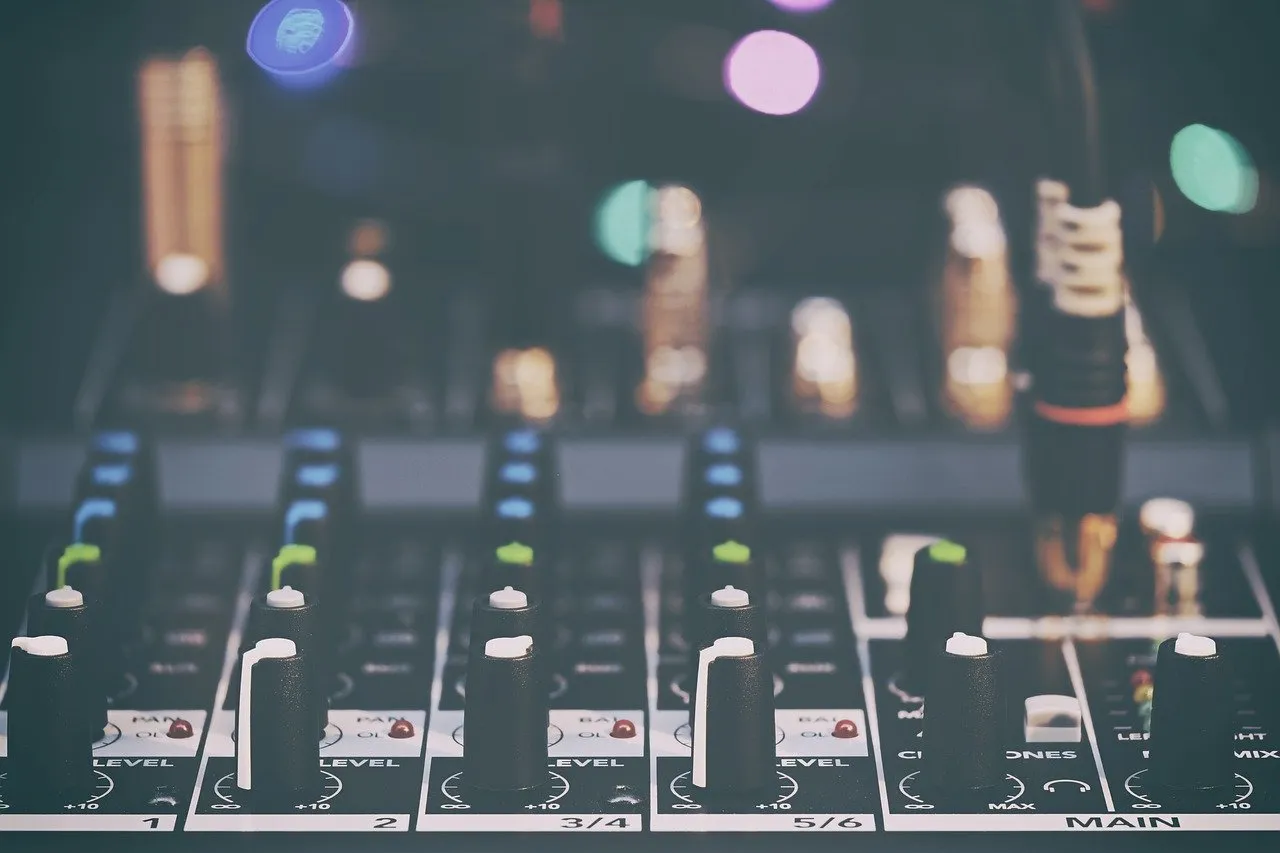
Put simply, there are two kinds of mixers: Analog mixers, where you mix the sound mainly with physical knobs.
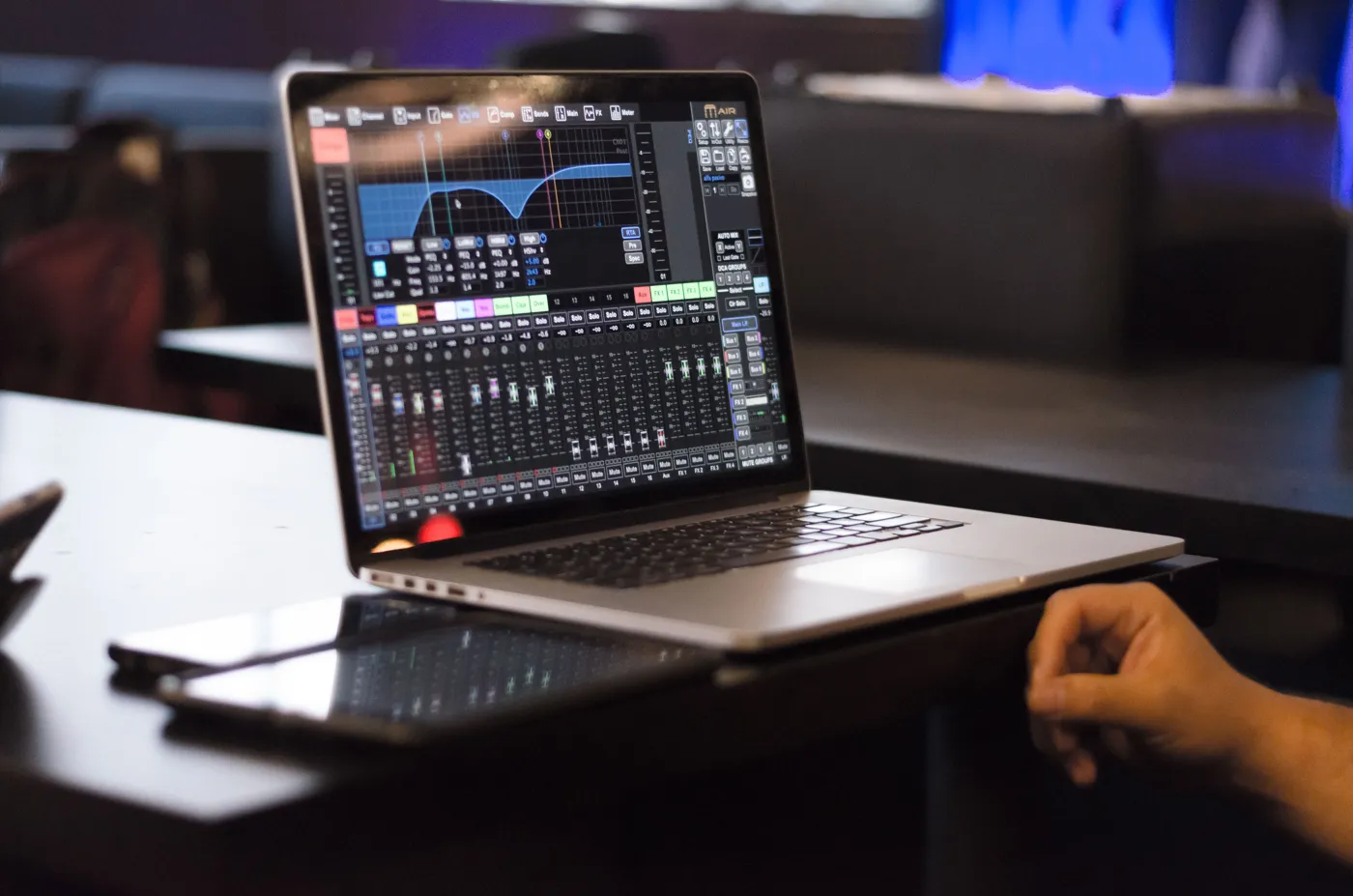
And the other option, digital mixers, where the sound is processed digitally and adjustments are often made with an app on a computer, tablet or phone (some also have physical knobs). There's no need to rank these. You can decide for yourself which one you like better.
TIP: For recording drums, the smartest move is to buy a mixer with at least 8 inputs, so it'll last you a long time.
3. Computer and DAW
Now we've got everything ready so recording is possible. Setting up mics and mixers can feel like a lot of work and hard to do, so look up instructions on YouTube for setting up your exact mixer. There are so many mixers and they're so different that it's impossible to write general mixer setup instructions in this post.
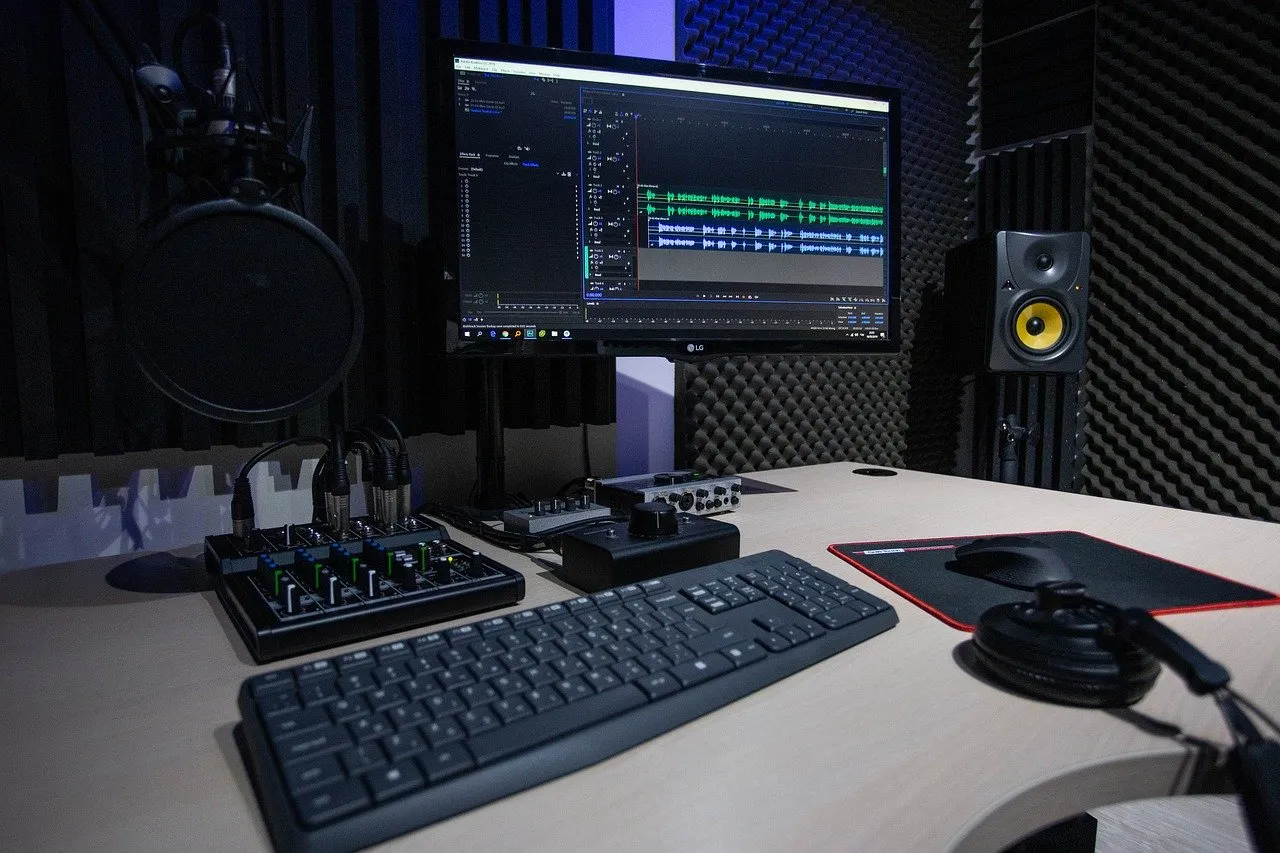
Before you can save sound for processing afterwards, you need a computer and a DAW. You probably already have a computer. Almost any machine will do, and even an old one can handle recording software.
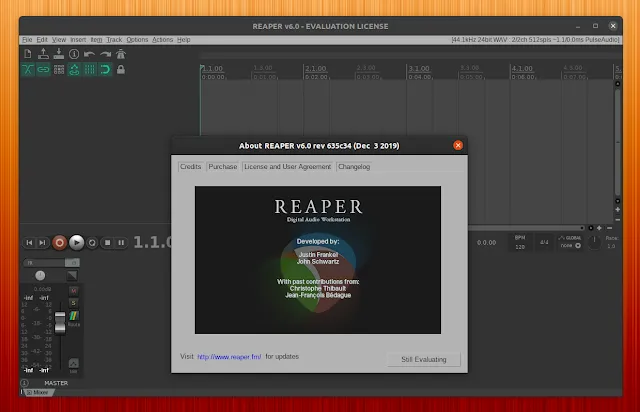
As the DAW example in this post I'm using Reaper, because it's free for the first 60 days, after which buying a one-time license is recommended. The license isn't expensive, 60 dollars at the time of writing.
Look up Reaper setup instructions and other tutorials on YouTube. Get ready to puzzle things out and test things. We're slowly getting to the stage you have to learn by studying and doing.
TIP: Watch the whole series from both videos! Highly recommended, they're really well made and clear.
3.1 Headphones (in-ear monitors) and speakers
To hear what you've played, you of course need something to listen on. The computer's own speaker is a bad idea, the sound quality isn't very good even on more expensive machines. Buy proper separate speakers if you plan to listen without headphones.
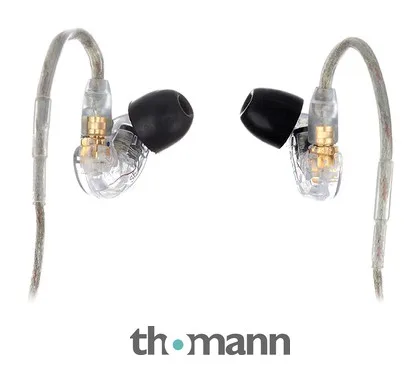
Either way, you'll want to get yourself in-ear monitors, meaning good-quality headphones that reproduce sound well. They send the drum sound straight into your ears and at the same time block out the sound of the drum kit, so you don't need any other hearing protection.
I recommend these Shure in-ear monitors. The price really isn't bad, and they hold up to active use for years.
TIP: For mixing, it's a good idea to listen to your finished drum track on lots of different speakers, like good speakers connected to your computer, in-ear monitors, your car radio and so on, so you get a good idea of what your mix sounds like.
4. Mixing
Hopefully you've now gotten to the point where you've got the mics in place, managed to connect them to the mixer and the mixer to the computer, and managed to install Reaper or another DAW on your computer. Hopefully you've also managed to record the sound of your drum kit into your DAW.
In the end, all the drums you're using form separate audio tracks in your DAW, and you can process each of them separately.
Then we get to the fun part. Mixing! Just recording the drum sounds is by no means a finished drum track. After that comes editing and mixing, which take 2-20 times longer than actually recording the drum track, depending on how thorough you are.
Like I said before, recording a drum kit is surely the hardest of all instruments. Every instrument in a drum kit sounds different, some really high, some really low. Your job is to adjust each one so it sounds nice both "on its own" and together with the others, so that the end result brings out certain instruments the way you want and is balanced.
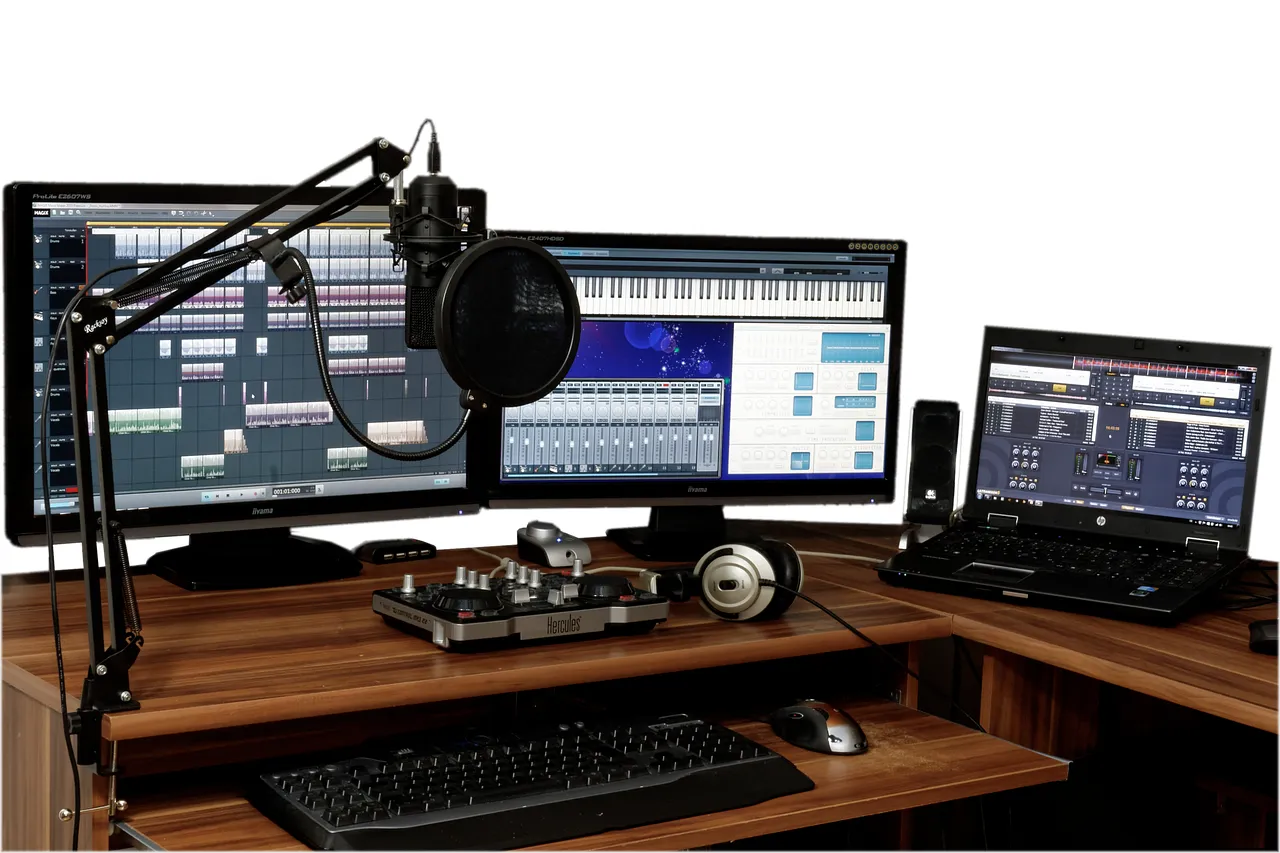
Don't treat mixing like homework, treat it like a hobby. Learning to mix is challenging at first, and it can feel hard to understand what you're supposed to be doing. But by studying and practicing you'll definitely get there.
Mixing basics
Next, let's go through a few terms that are good to know when you're starting to mix drums. Audio engineering as a whole is a completely separate topic, so this post just scratches the surface, and hopefully it helps you get started. I recommend watching tutorial videos, you learn best by seeing and hearing.
First of all, it's good to understand how sound frequencies work. Sound frequency is measured in hertz (Hz), and the frequency range is roughly divided like this:
Bass (lows): <– 250 Hz
Low mids: 250 Hz – 2 kHz (1 kHz = 1000 hertz, a kilohertz)
High mids: 2 kHz – 6 kHz
Treble (highs): 6 kHz ->
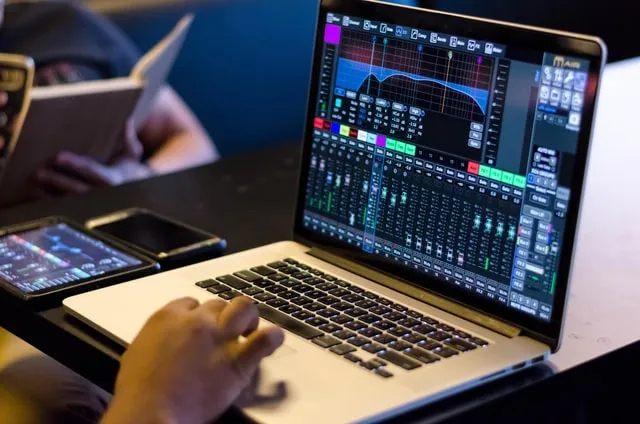
In the mixer interface below, you see the lows on the left side of the screen, and as you move right across the screen you move toward the treble. The advantage of digital mixers is that you can see the sound frequencies visually, which can help a lot when you're learning to mix.
This mixer is the Behringer digital mixer I mentioned earlier.
Terminology
When you start learning to mix, you'll run into certain terms a lot. These aren't specific to mixing drums, but to audio engineering in general:
Compression: "Reducing the dynamic variation of an audio signal with a compressor. As the dynamics even out, the biggest "peaks" of the signal traveling as a wave are no longer as large in proportion as before. This lets you raise the average loudness of the sound without raising the maximum loudness." With a compressor you can even out the dynamics of your drum track: when the sound goes over the limit you set (threshold), the compressor turns down the part that goes over by the amount you choose (ratio). So it doesn't cut the sound off, it lowers the loudest peaks.
EQ = Equalization: "An equalizer (equaliser, short EQ) is used to boost or cut different frequencies of the sound". With EQ you can, for example, reduce the boom of a low-tuned bass drum, fix an annoying ring in the snare or bring down the highs from the cymbals so they don't cut through too much.
Reverb = Reverb or reverberation. An echo effect that makes the sound seem like it's ringing in, for example, a big hall or a stone cave. Reverb is often used when you want, for example, a "big" snare or tom sound.
Rendering: When your mix is finished, you'll want to get your drum track into a playable format. To do that, choose "render" in your DAW, which turns your project into a single audio file you can listen to and share.
You'll want to render your drum track into, for example:
WAV, a very high-quality, uncompressed file. On the plus side, all the audio information is kept. On the minus side, it may not play on every device, and the file size is really big.
Mp3, a solid, good-quality, compressed file (file compression isn't the same thing as the compression mentioned above). On the plus side, it works well on all devices and the file size is much smaller.
5. Practice, study, be patient
By now you should have the info you need to start learning recording and mixing.
Recording drums is fun and challenging, but it takes a lot of digging in at first. Be ready to Google and YouTube the questions that puzzle you, and know that every one of us has done the same at some point.